
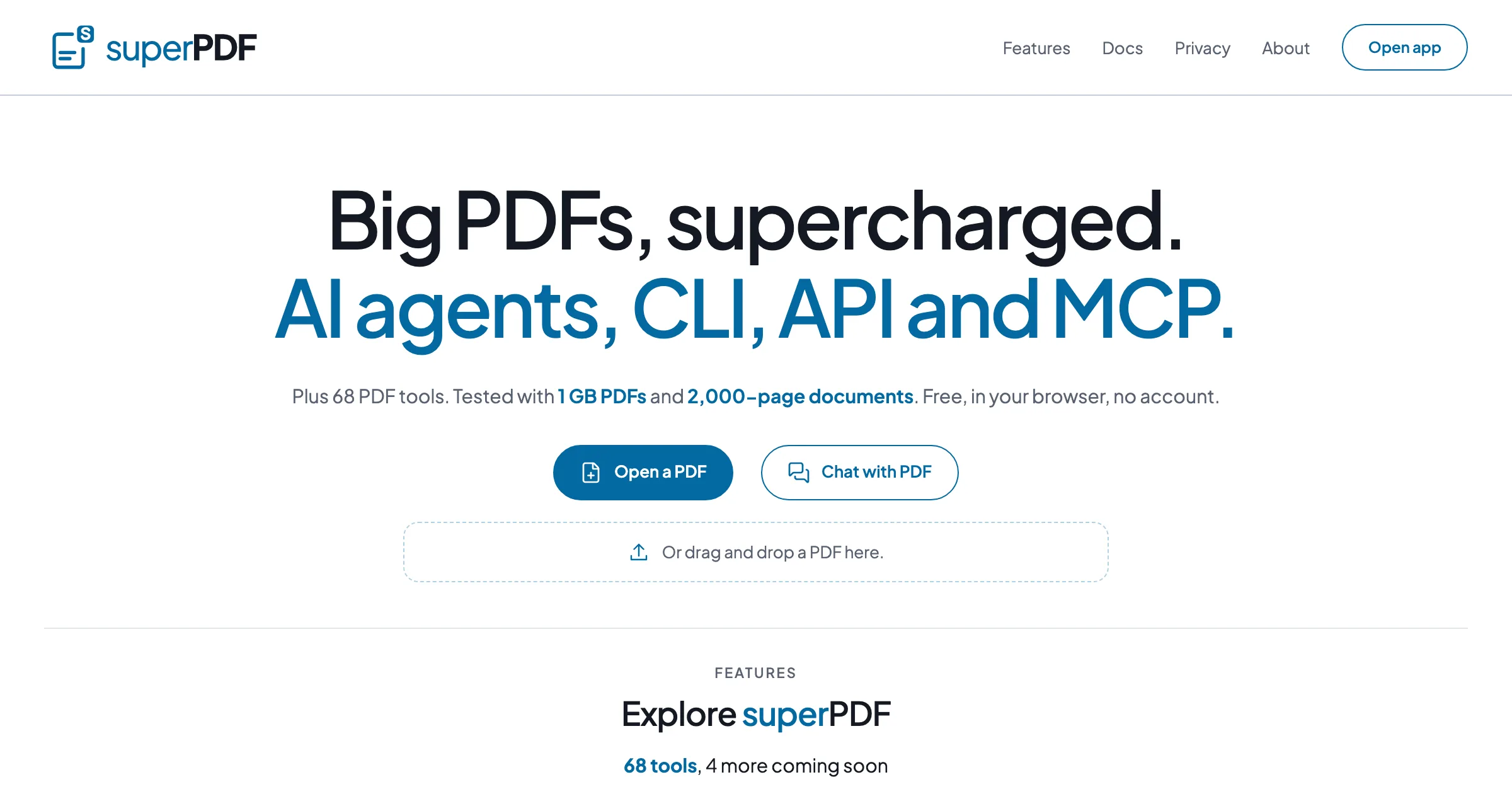
Big PDFs, supercharged. AI agents, CLI, API and MCP.
Free PDF tools that run in your browser: tested with 1 GB PDFs and 2,000-page documents. No account; files stay on your device.
- Free, no account
- 68 PDF tools
PDF tools and AI in one browser tab
Everything is free and needs no account. superPDF sets no file size or page limit.
Work on PDFs
68 PDF tools
Merge, split, convert to and from Word, Excel and PowerPoint, OCR, compress, edit, fill and sign, redact and more.
Big files
Tested with 1 GB PDFs and 2,000-page documents. Very large files are fastest on a computer.
Private by design
The tools run in your browser and don’t upload your files. AI runs on your device or with your own API key.
AI
Chat with PDF
Ask questions about a PDF. Each answer ends with numbered sources that open the cited page.
PDF agents
Describe the result you want. The agent plans the steps; you approve, edit or skip each one, and can undo applied steps.
High-accuracy reading
Optional: scanned pages, tables and math read on your device by LightOnOCR-3, a small open model.
CLI, API and MCP server
The same PDF tools run on your computer, from the terminal, your own code or an AI agent. Files stay in the folders you allow.
MCP server
AI agents get tools to read, merge, split, convert and protect PDFs in a folder you choose. Nothing is uploaded.
REST API
A local API on 127.0.0.1 with a token, background jobs and webhooks, described by OpenAPI 3.1.
CLI
Run tools from scripts and the terminal, or chain steps in a pipeline. Outputs are always new files.
Other compatible agents connect the same way. The command-line tool, which also runs the API and the MCP server, installs from npm from October 14, 2026; setup steps are in the superPDF docs.
Product names and logos belong to their owners and are shown only to indicate compatibility.
Built with
- Vite and vanilla JSNo UI framework
- PDF.jsRenders pages and reads text
- pdf-libCreates and edits PDFs
- qpdf (WebAssembly)Passwords, repair and page edits
- Tesseract OCRMakes scanned pages searchable
- Transformers.jsOn-device models on WebGPU
- LightOnOCR-3Open model for high-accuracy reading
- Model Context ProtocolMCP server for AI agents
The LightOnOCR-3 models superPDF uses are published at huggingface.co/superpdf. Where your files go.
Open a PDF, any size
Free, in your browser, no account.